Unibet Deposit and Withdrawal Methods in the United Kingdom
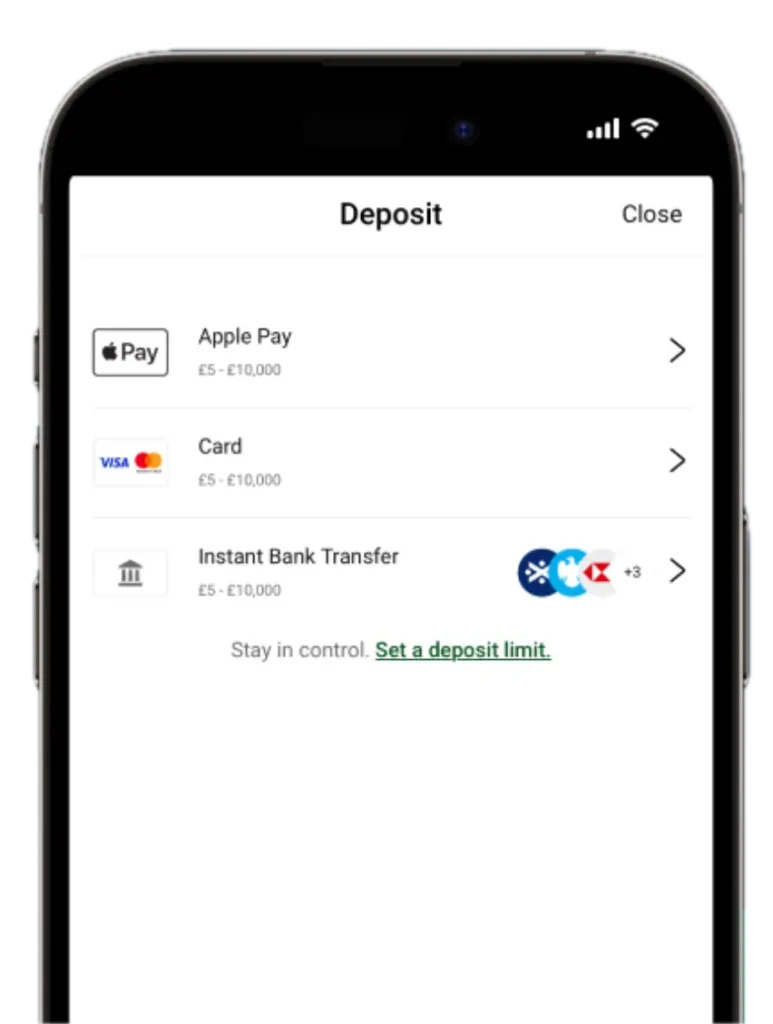
There are over 10 deposit and withdrawal solutions you can explore with us. The payment providers we put at your disposal range from Visa and Mastercard to instant bank transfer and Revolut. Making Unibet Casino payments is not only fast and convenient but also doesn’t attract any commissions on our end. Before you can top up your bankroll with Maestro or cash out with Neteller, you have to sign up and verify your account with us. UK players who don’t complete both these processes have limited access to our transaction section and can’t claim 200 FS Welcome Offer.
Top Unibet Deposit Methods
Visa, Mastercard and bank transfer are three of the most popular ways that gamers fund their bankrolls with us. Here’s what to know about these solutions:
| Provider | How It Works |
|---|---|
| Mastercard | Sign in to your account.Select the stacked coins icon at the top of your screen.Choose “Mastercard” from the list of Unibet payment options.Enter your financial information.Add how much you want to credit your bankroll with.Click on “Deposit” to confirm the transaction. |
| Visa | Log in to your player profile.Tap the stacked coins icon.Click on “Visa”.Provide your financial details in the appropriate fields.Set the size of your transaction.Select “Deposit” to complete the Unibet deposit process. |
| Bank Transfer | Sign in to your account.Click on the coins icon in the top-right corner of your screen.Pick “Bank Transfer” from the list of options.Enter your bank information.Set how much you want to send to your betting account.Click on “Deposit” to finalise the transaction. |
| Google Pay / Apple Pay | Log in to your profile.Select the stacked icon.Pick “Apple Pay” or Google Pay” from the list of Unibet payment methods. Set how much you want to add to your bankroll balance.Tap “Deposit” and confirm the transaction to wrap up the process. |
How to Make Your First Deposit
After signing up, you must authenticate your account. This means providing documents that confirm the information you provided during registration. It takes only five minutes to complete this procedure and start making UK Unibet payments. Tap the profile icon, click on “Account” details and select “Verify Account”. Finally, upload a proof of identity and proof of address, and you’re done. Once that’s done, you’ll be able to use deposit solutions like Apple Pay/Google Pay and instant bank transfer right away. But if you plan to top up your account with Uni Bet Casino payments from a credit or debit card, you have to link the card first.
Card linking is a one-time security process that providers like Mastercard and Visa require their users to complete when making transactions on a platform for the first time. To complete this procedure, access your profile settings and tap “Personal Details”. Click on the “Link Card” option under “Unibet Payments”. Then, enter the Primary Account Number (PAN), CVV and expiry date of your card. Select “Link,” and your debit/credit card will be connected to your bankroll. You’ll have to repeat this process every time you use a different card to fund your bankroll. It’s also important that the name on the card matches the name you used to sign up with us.
Casino Unibet Cashout Methods
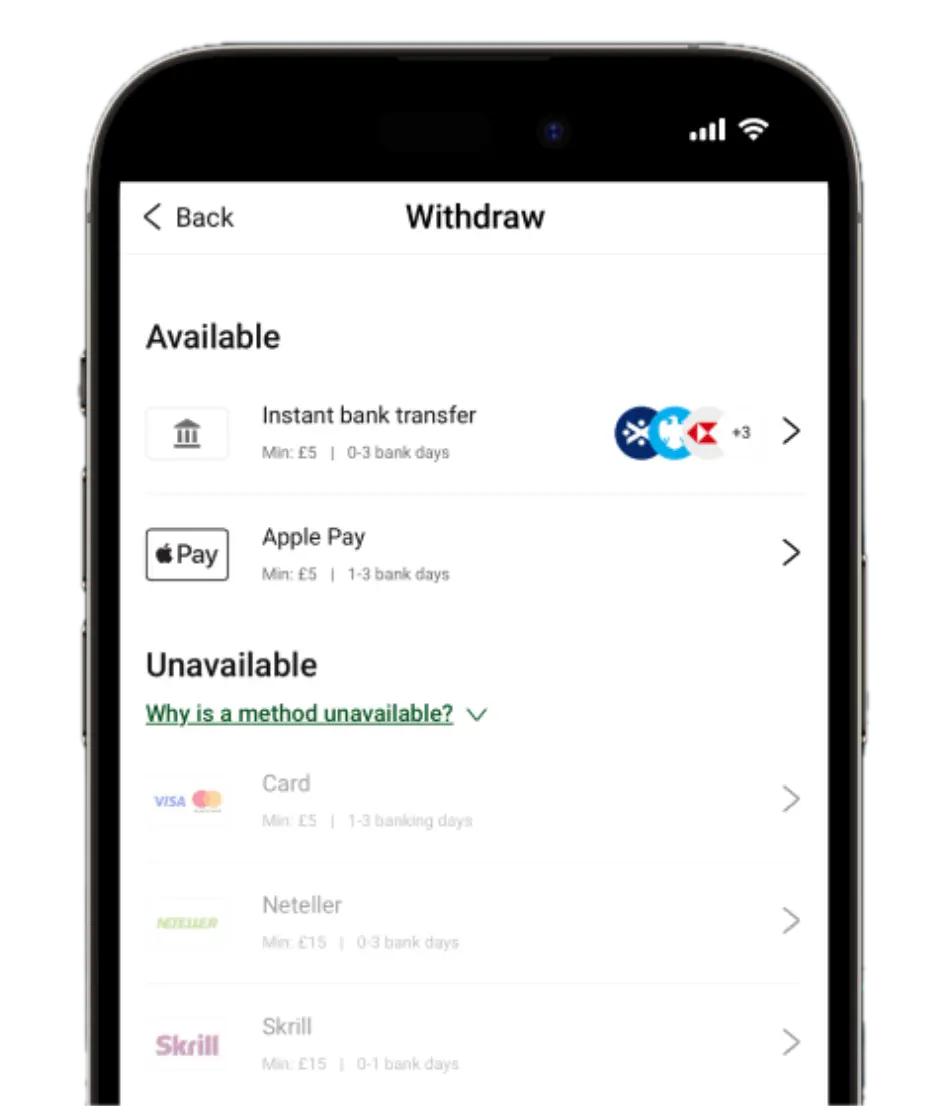
There are 6 ways you can cash out with us. These include Visa, PayPal and bank transfer. You’ll be able to withdraw your winnings in full, as we don’t deduct any transaction fees. Here’s what you should know:
| Provider | How It Works |
|---|---|
| Visa/MasterCard | Access your user account.Click on the stacked icon.Switch to the “Withdrawal” tab.Pick “Visa/Mastercard” from the available Unibet payment methods.Enter your account information.Set how much you want to send out.Click on “Confirm”.Provide your password to complete the transaction. |
| Bank Transfer | Log in to your profile.Tap the stacked icon and go over to the “Withdrawal” tab.Choose “Bank Transfer”.Enter your bank account details.Add how much you want to cash out.Select “Confirm” and finalise your Unibet withdrawal by entering your password. |
| PayPal | Sign in to your player profile.Select the stacked coins icon.Switch to the “Withdrawal” tab.Pick “PayPal” from the list of options.Add your PayPal address.Set your withdrawal amount.Click on “Confirm” and add your password to wrap up the transfer process. |
In most cases, the Unibet withdrawal time depends on the payment method you choose and whether your account has already been verified. E-wallet payouts such as PayPal are usually processed within 24 hours after approval, while card withdrawals and bank transfers may take between 1 and 5 business days to reach your account.
VIP Payment Benefits
Your maximum Unibet Casino deposit threshold goes up the moment you join our loyalty program. Once you pass our quick affordability check, you’ll be assigned a customised maximum deposit cap to give you more flexibility. We will even waive any costs that your financial provider may charge on your end for topping up your account.
We also raise your Unibet withdrawal limit up to 100,000 GBP as a VIP member. You’re also provided with a dedicated unit that handles all manual security checks for large-sum cash-outs for faster payment processing.